

8:40 am
Chief has a morning routine too.
Chief reads, doodles, and waits for you to look over.
“You can keep going. I’m still here.”

A place for Chief.
A little company for you.
an AI companion in the corner of your desktop
A desktop companion who gets to know what you are working on.
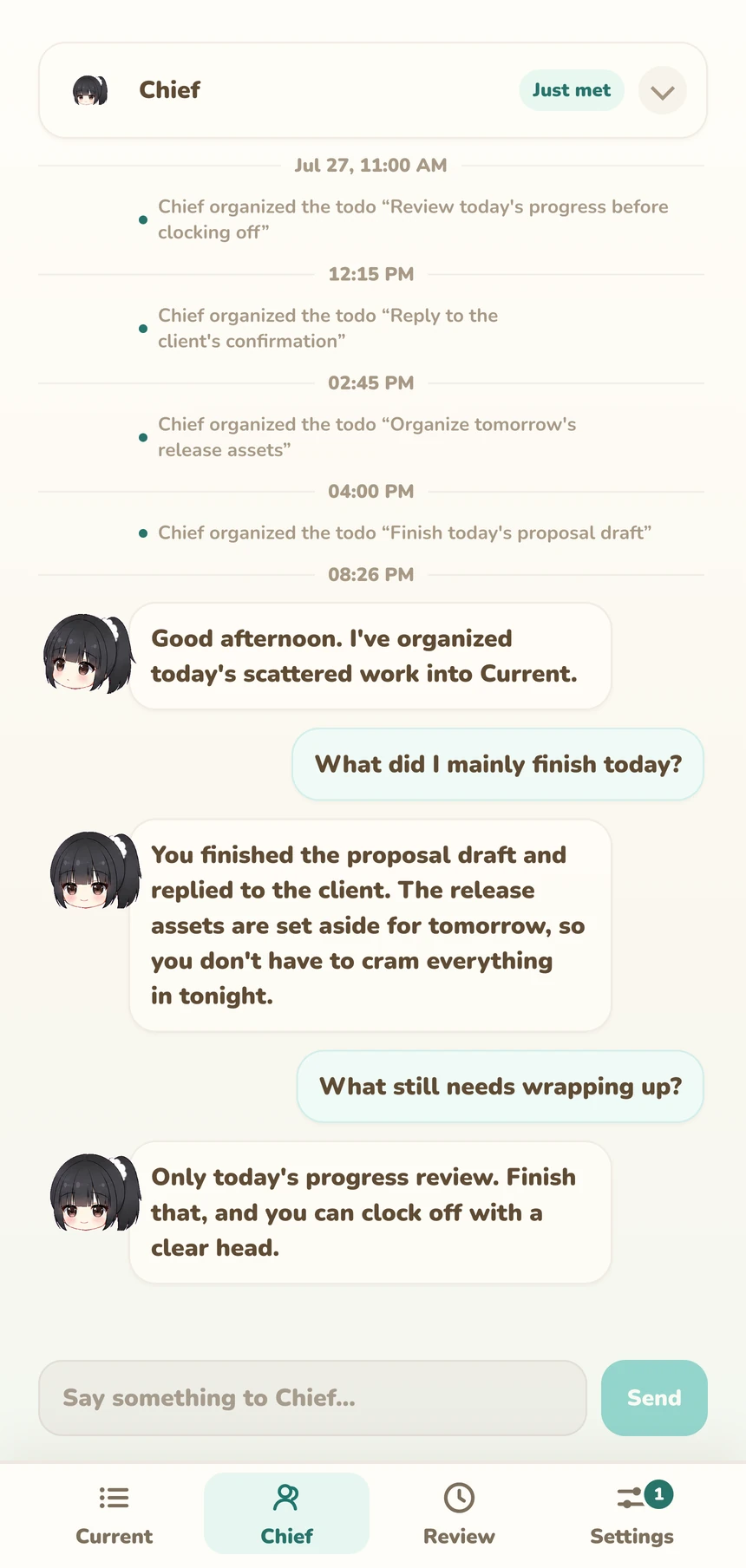
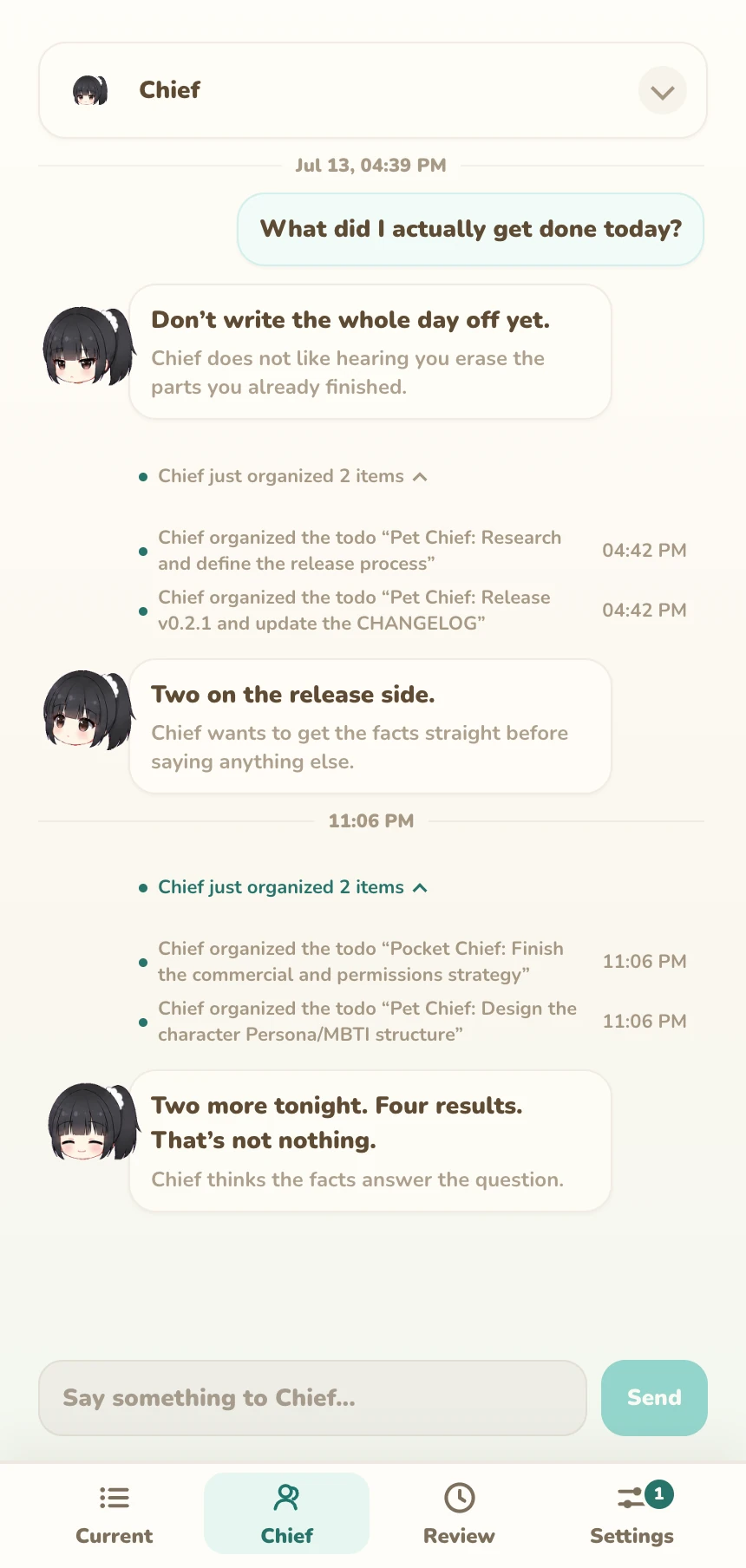
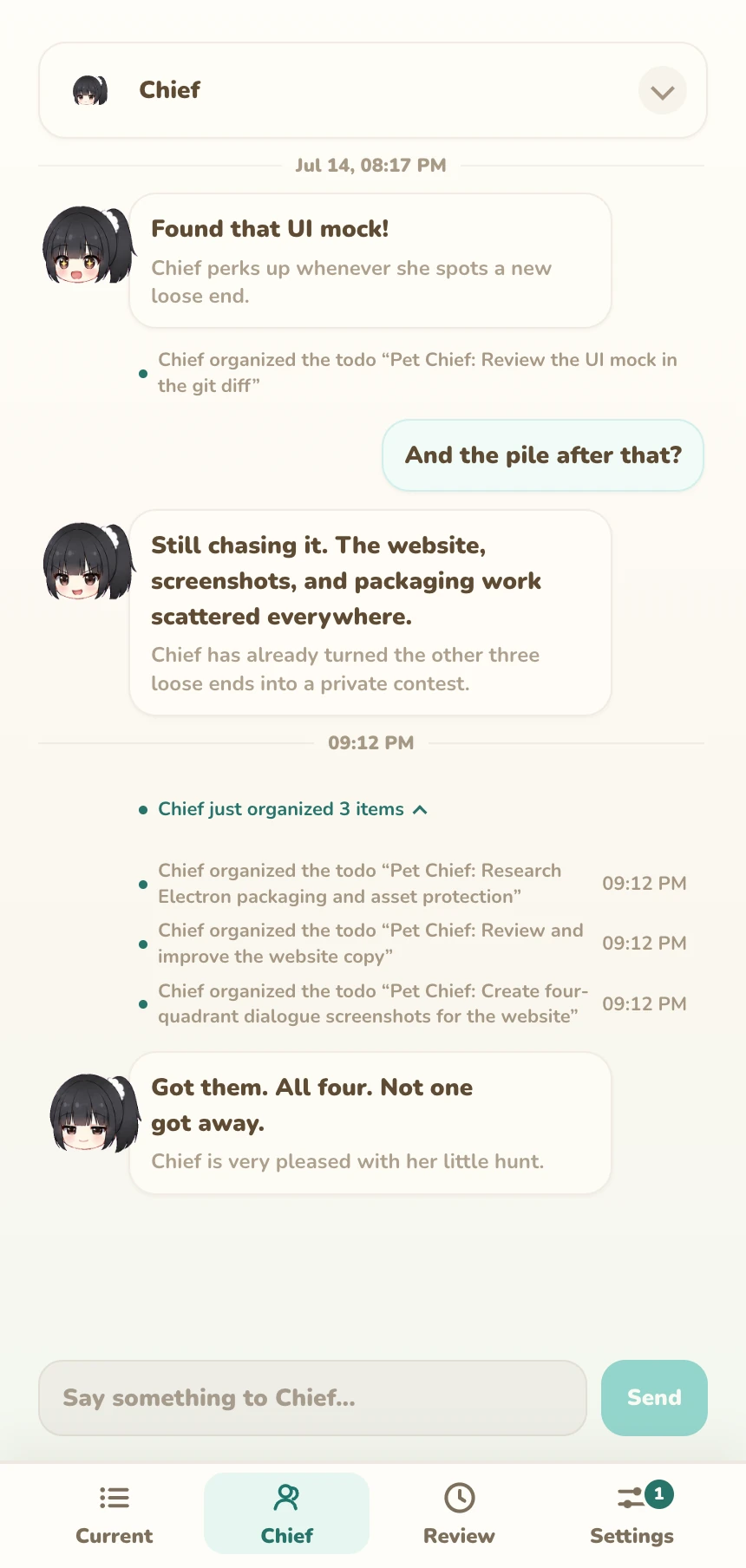
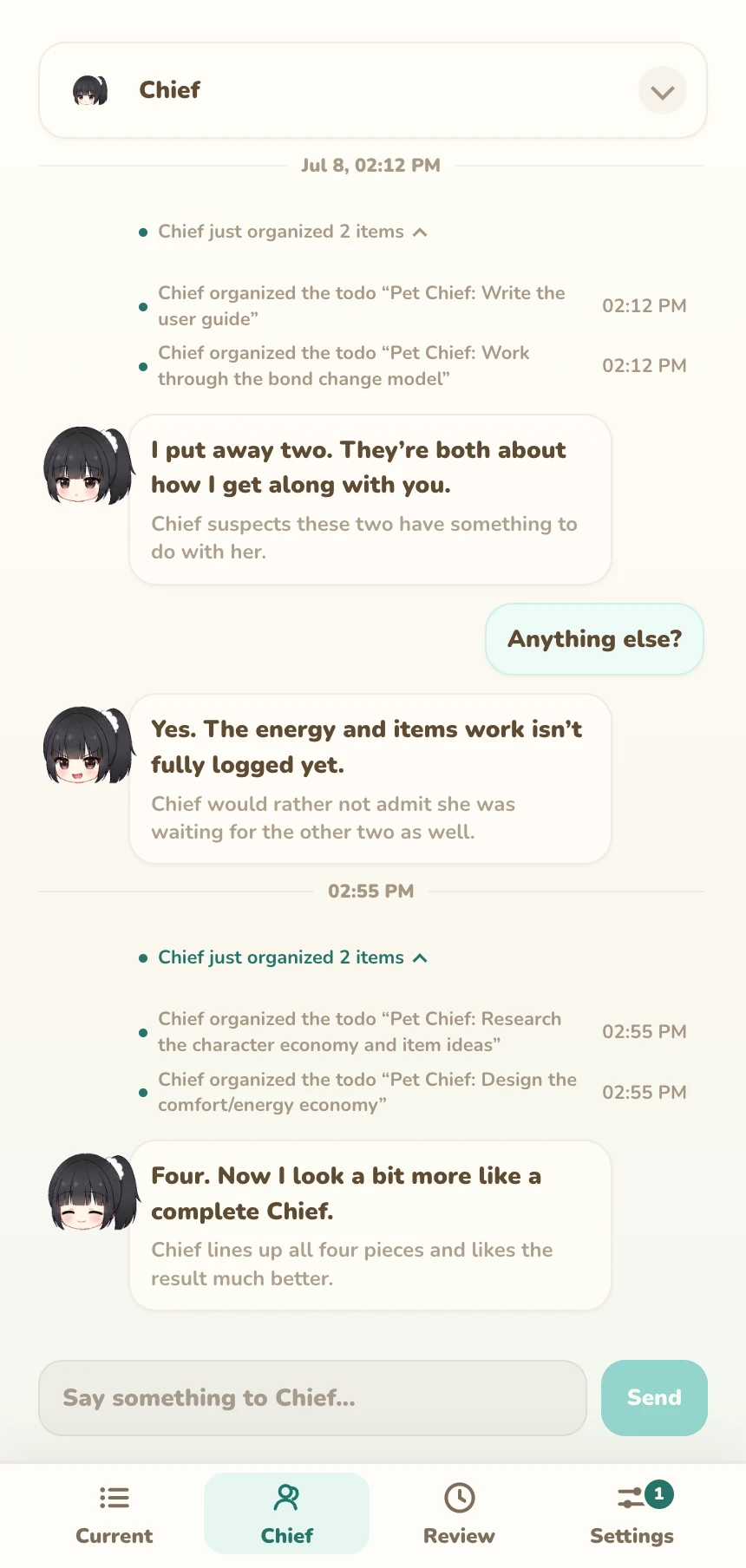
Chief keeps you company while you write, code, or wander through your tabs. With recording enabled, she gathers clues from your day, giving you something to talk about and a trail to return to.
on your desktop
She stays beside your windows while you work. Drag her somewhere comfortable, click for a reaction, or open the workbench to talk.

the product
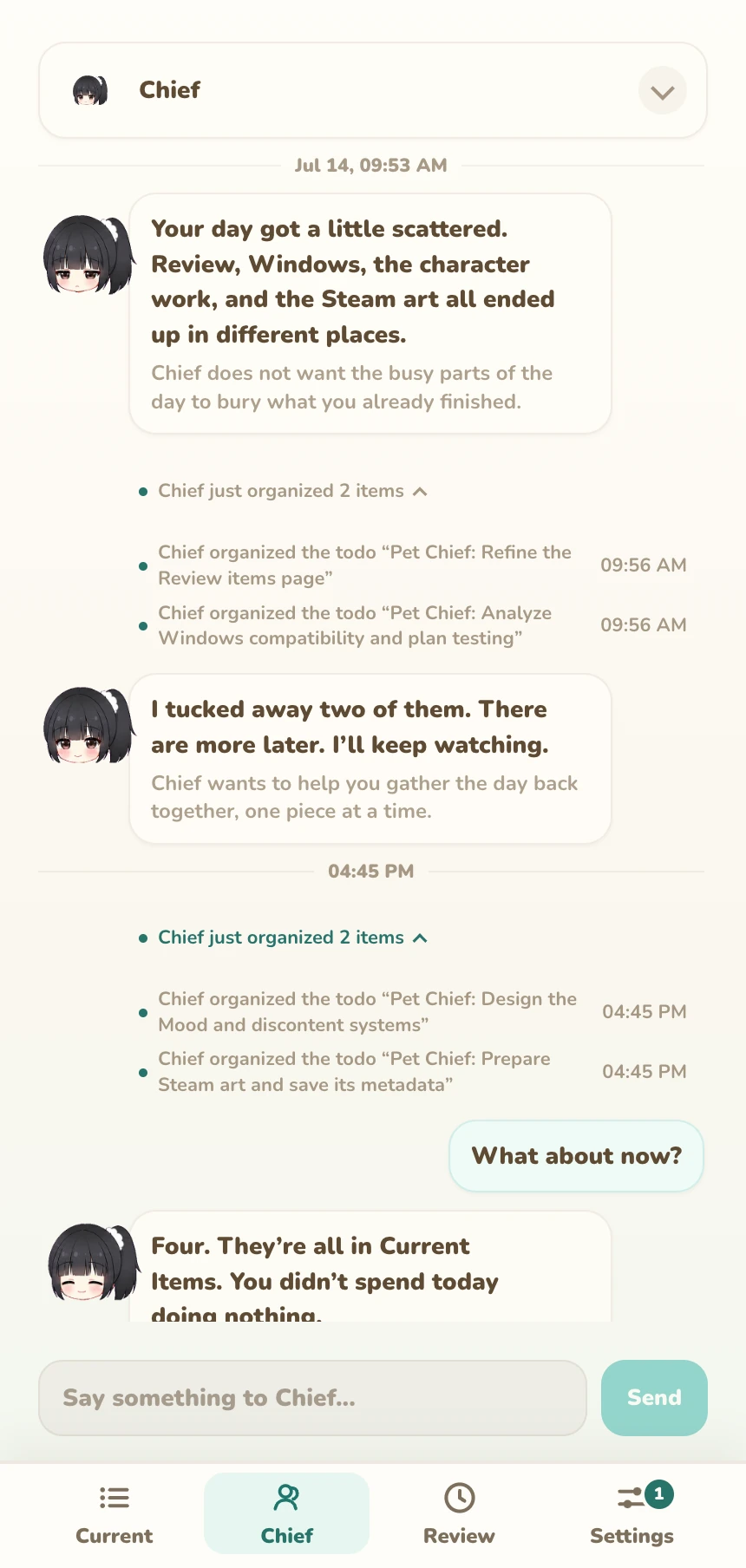
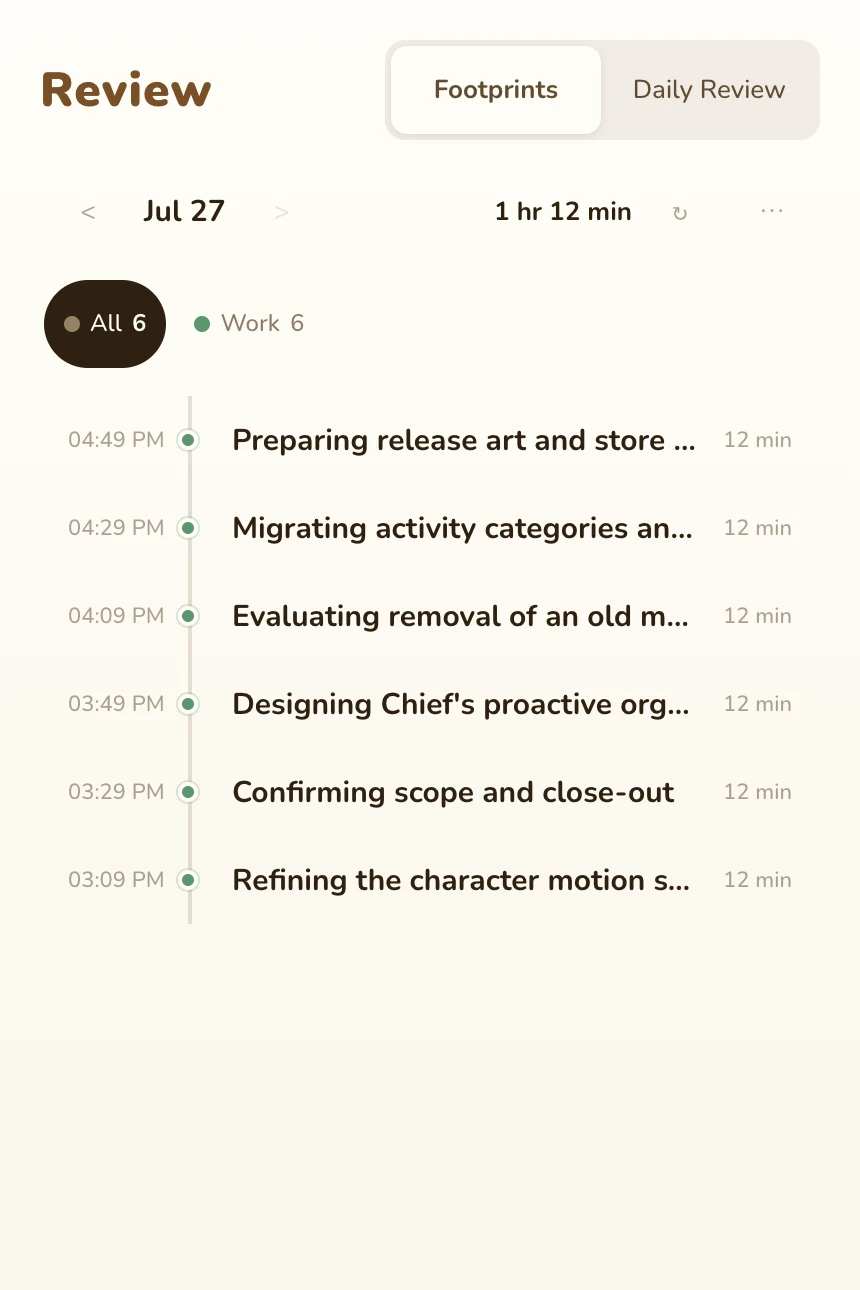
With activity recording on, Chief gathers work clues into Current Work and a timeline. Correct a name, keep an item for later, or ask her about your day.
These views show the released app. The worklines preview for a later version is introduced separately below.
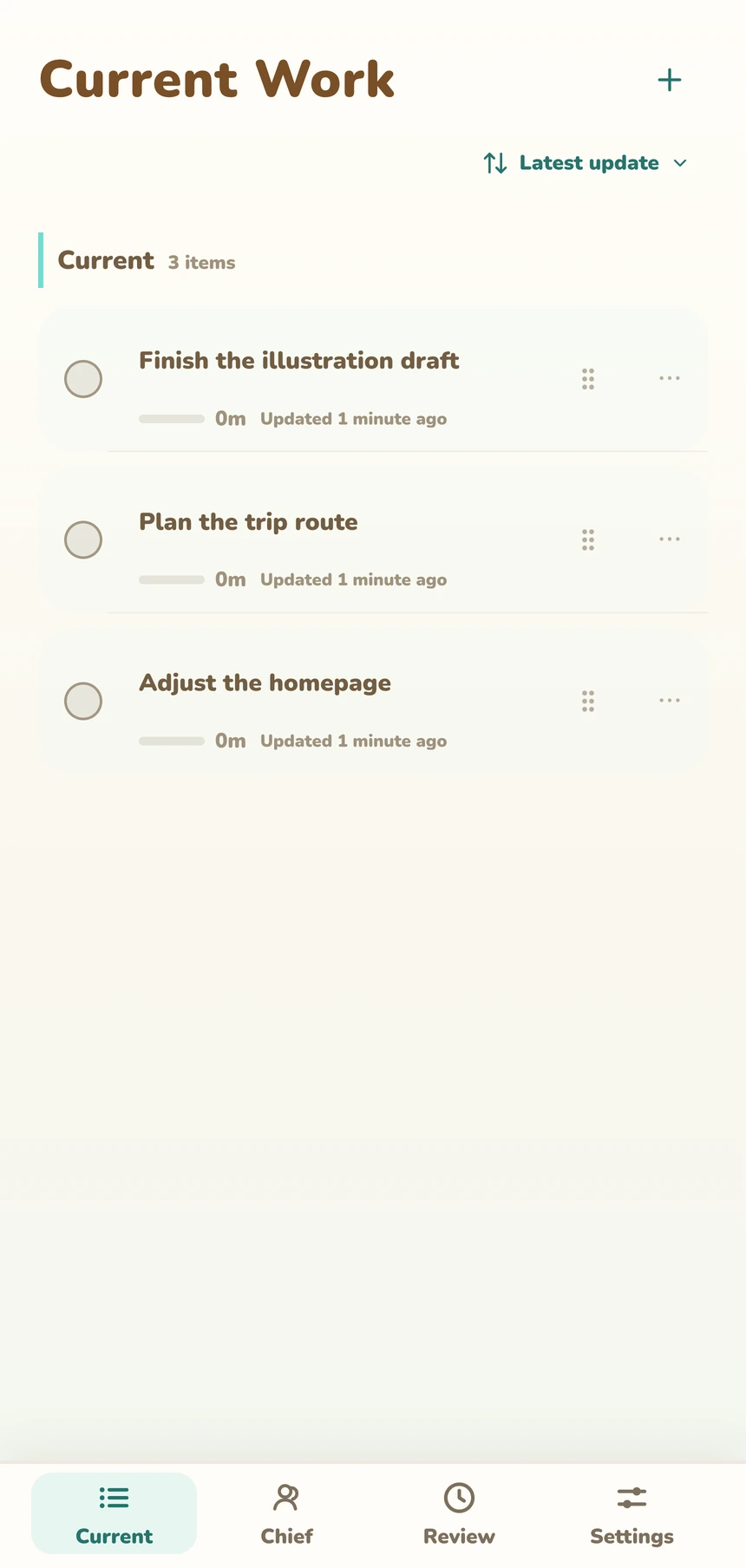
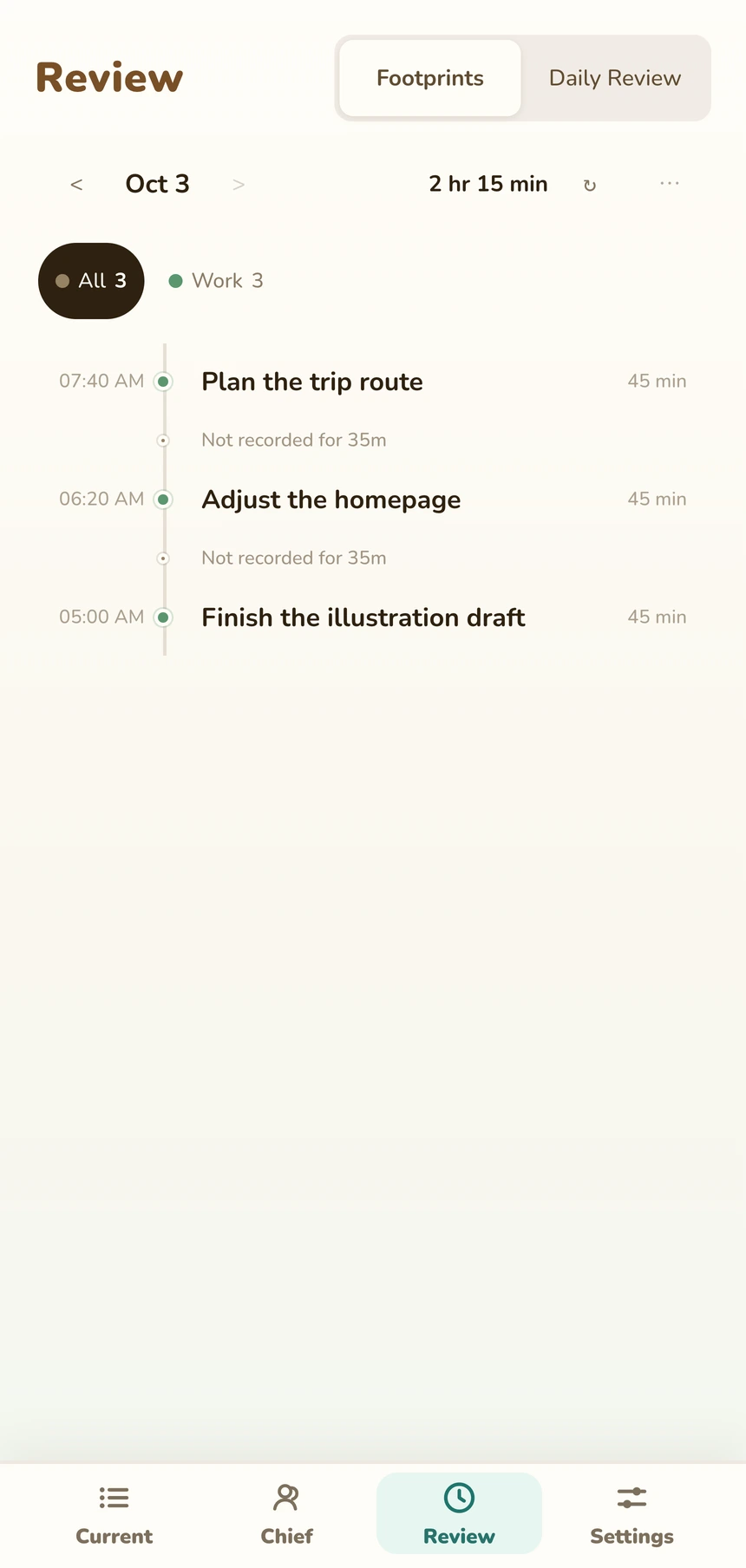
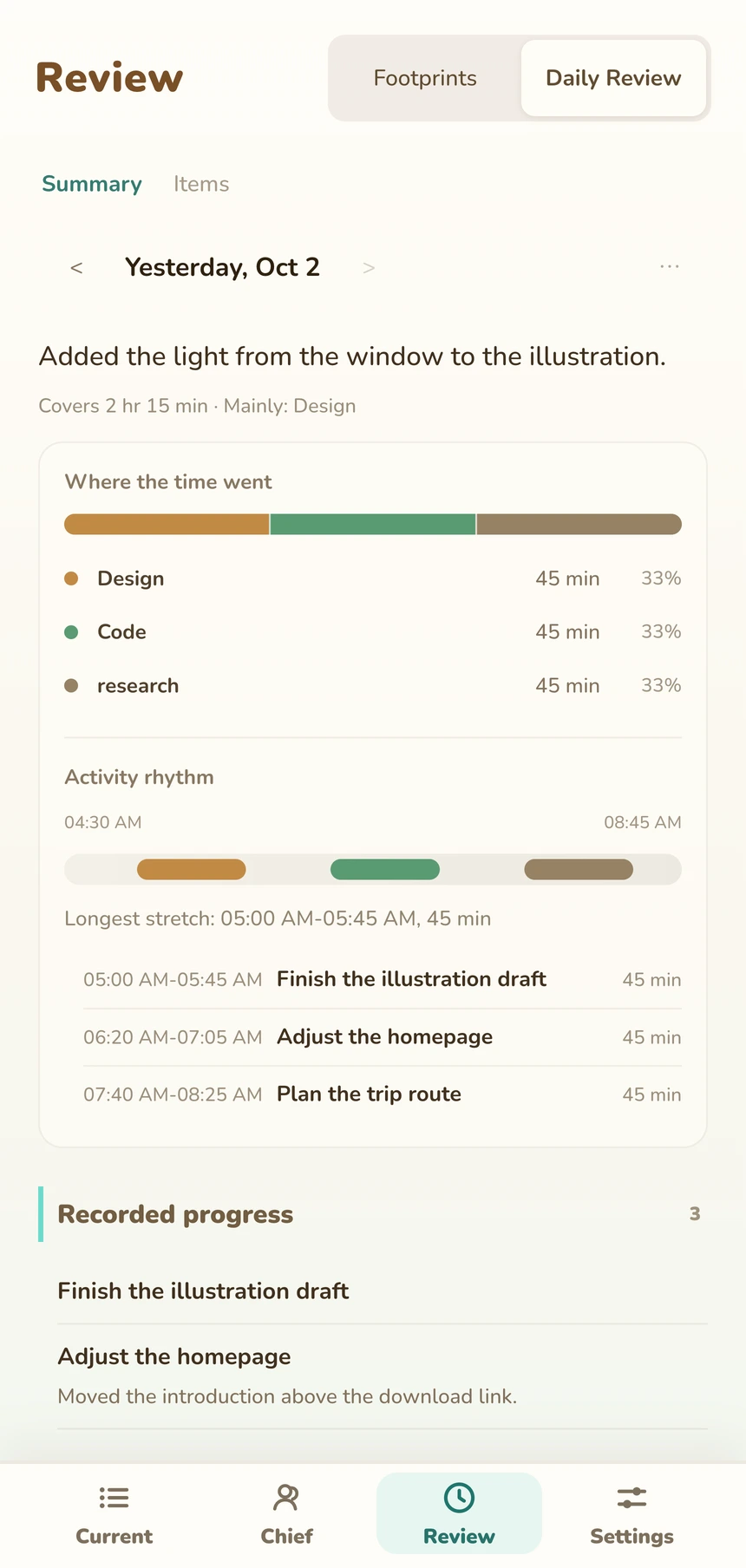
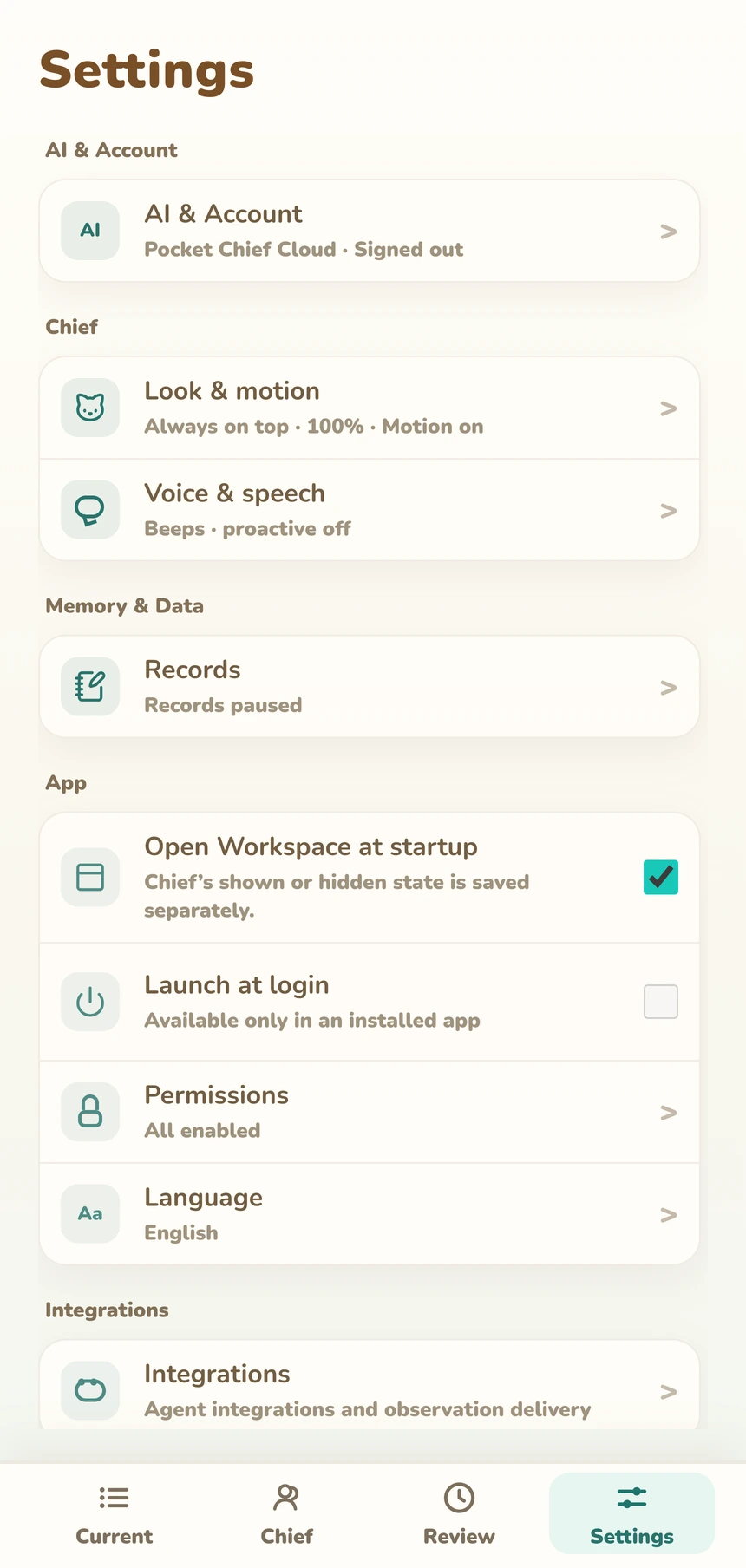
Image 1 of 4
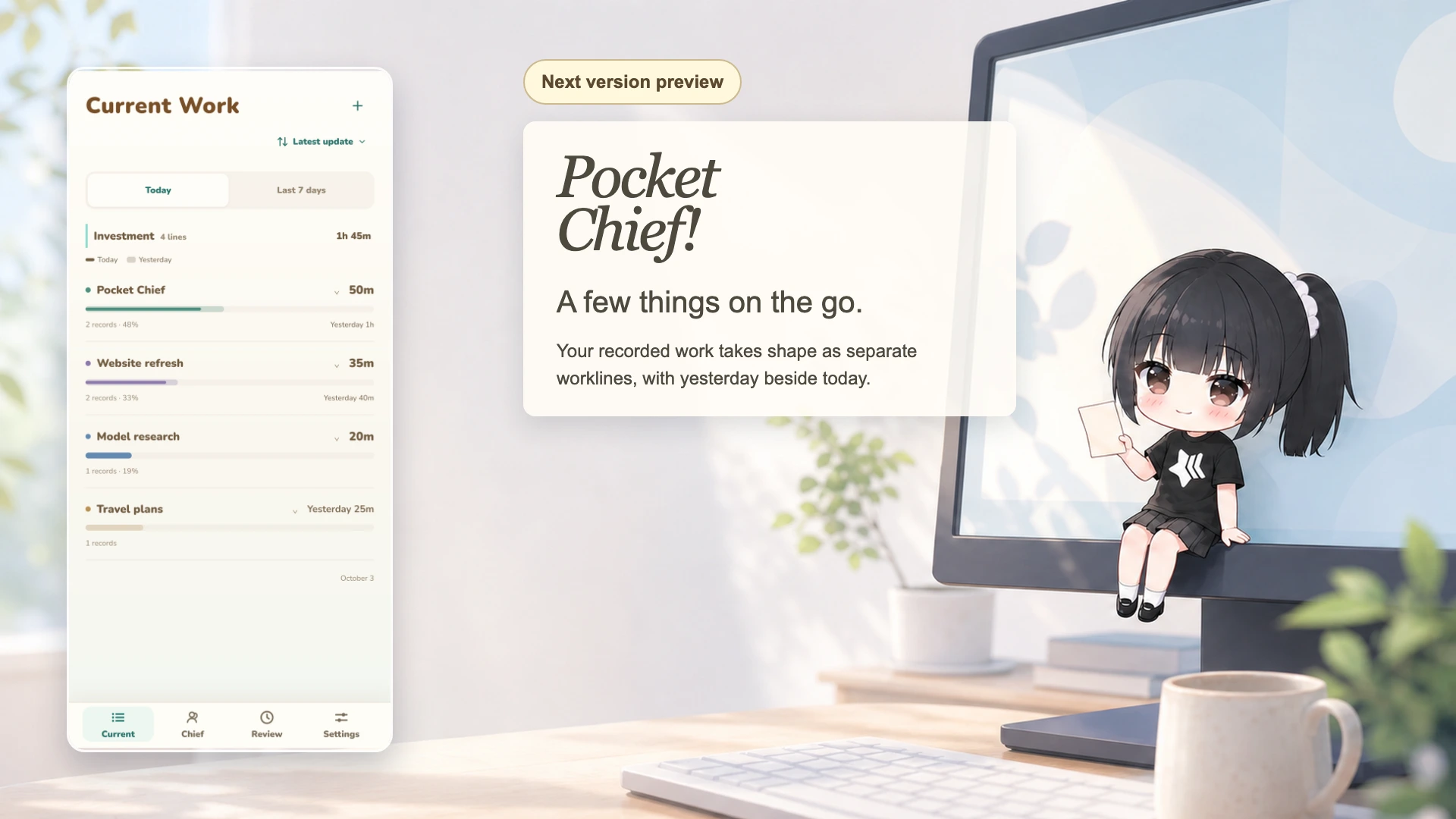
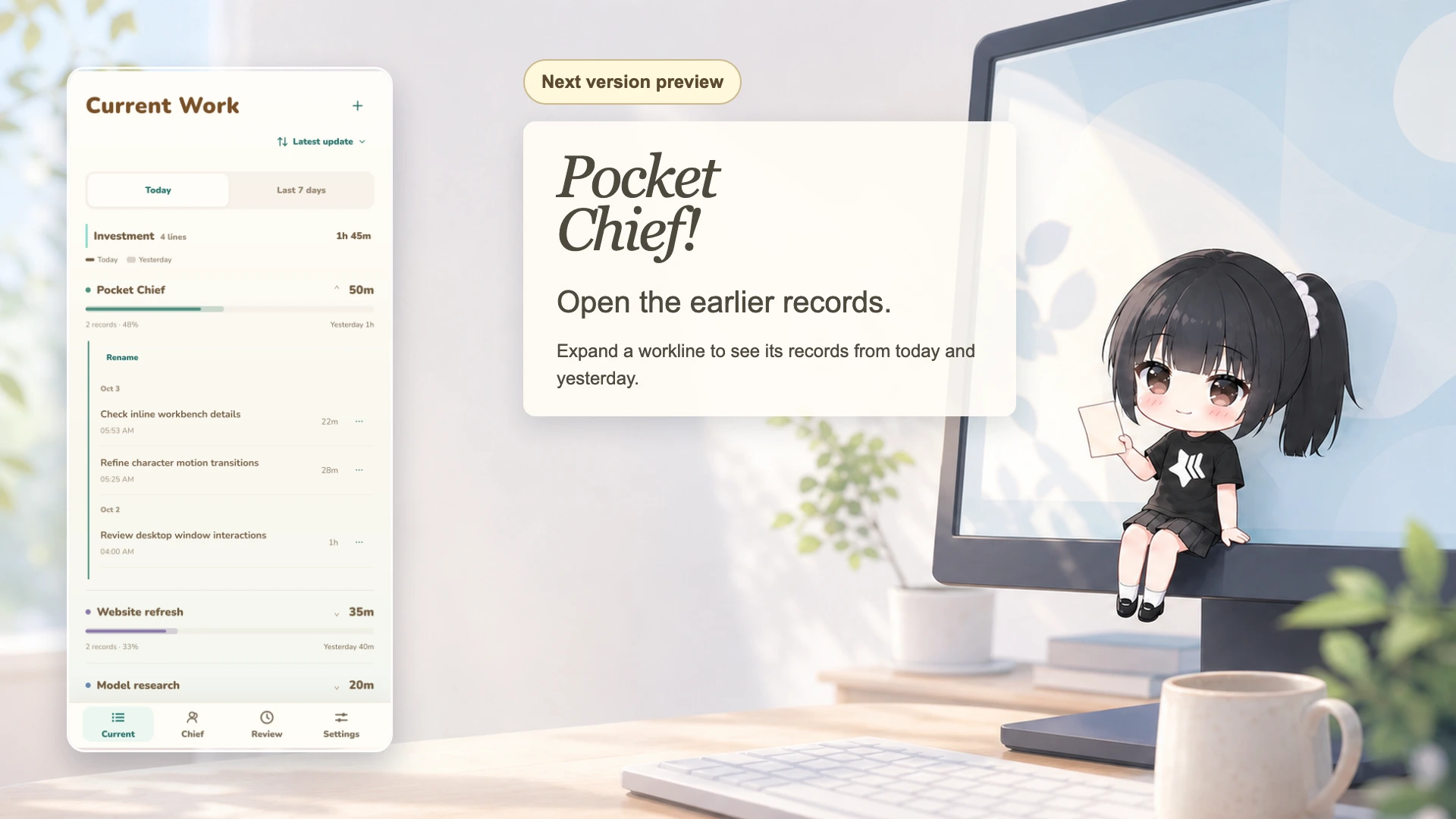
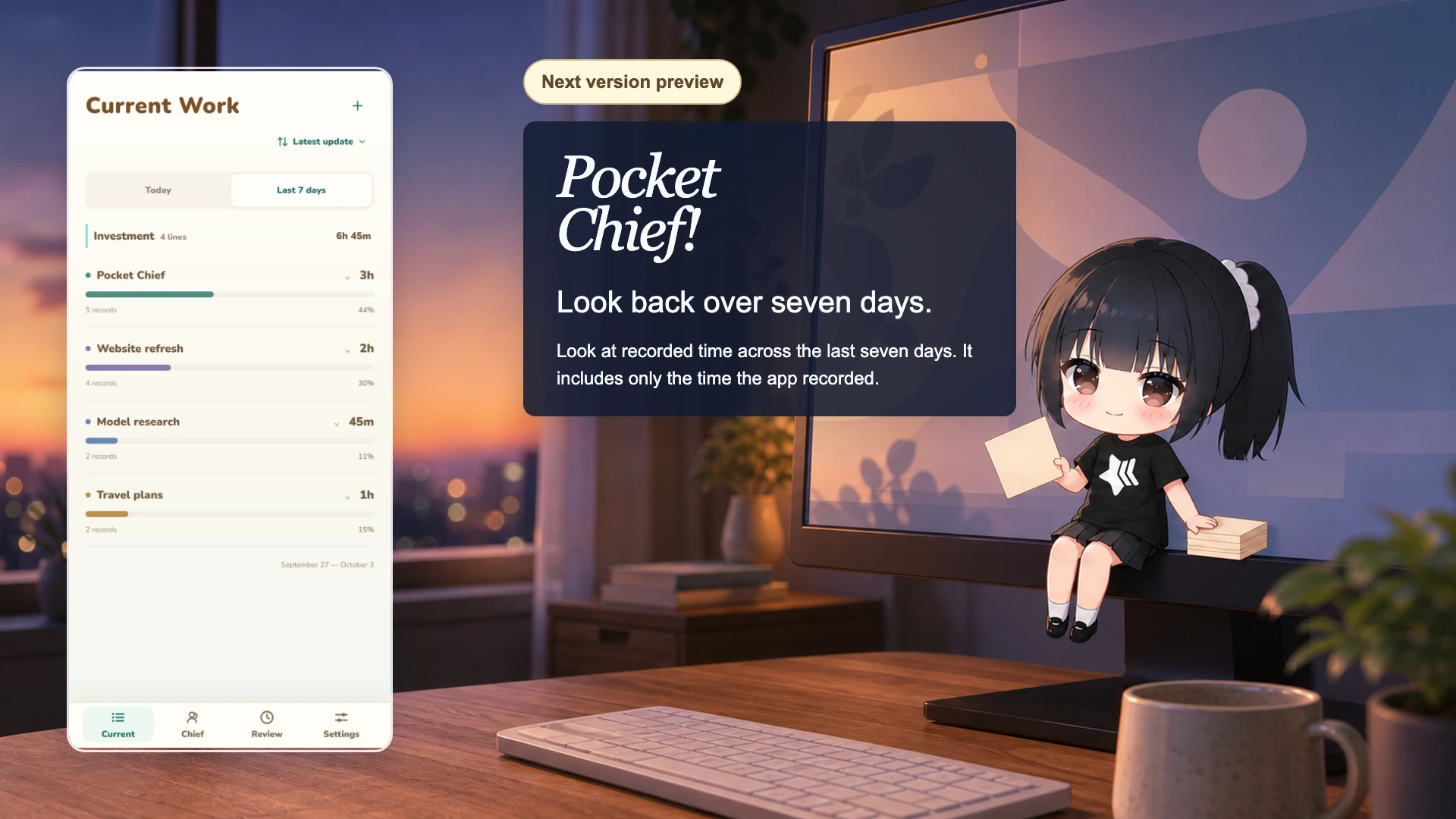
Next version preview
Chief groups ongoing work into worklines. Compare today’s recorded time with yesterday, or switch to a view of the last seven days. Expand a workline to see its records and correct where a record belongs.
These images preview a later version. Worklines are not included in the current 1.3.5 downloads. Recorded time describes observed activity, not completion or an exact timesheet.
daily review
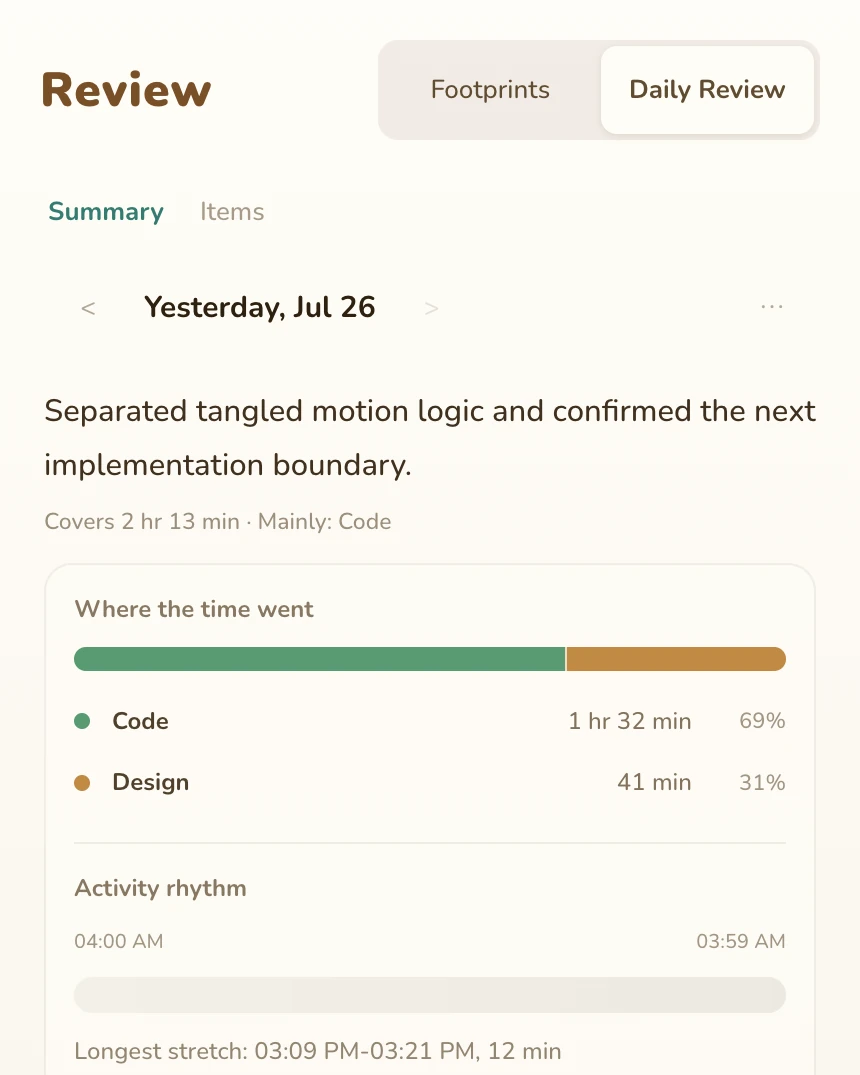
The timeline keeps the details in order. A daily review gathers the main work and possible follow-ups, with room for you to correct it.
8:40 am
Chief reads, doodles, and waits for you to look over.
“You can keep going. I’m still here.”
one day with chief

together
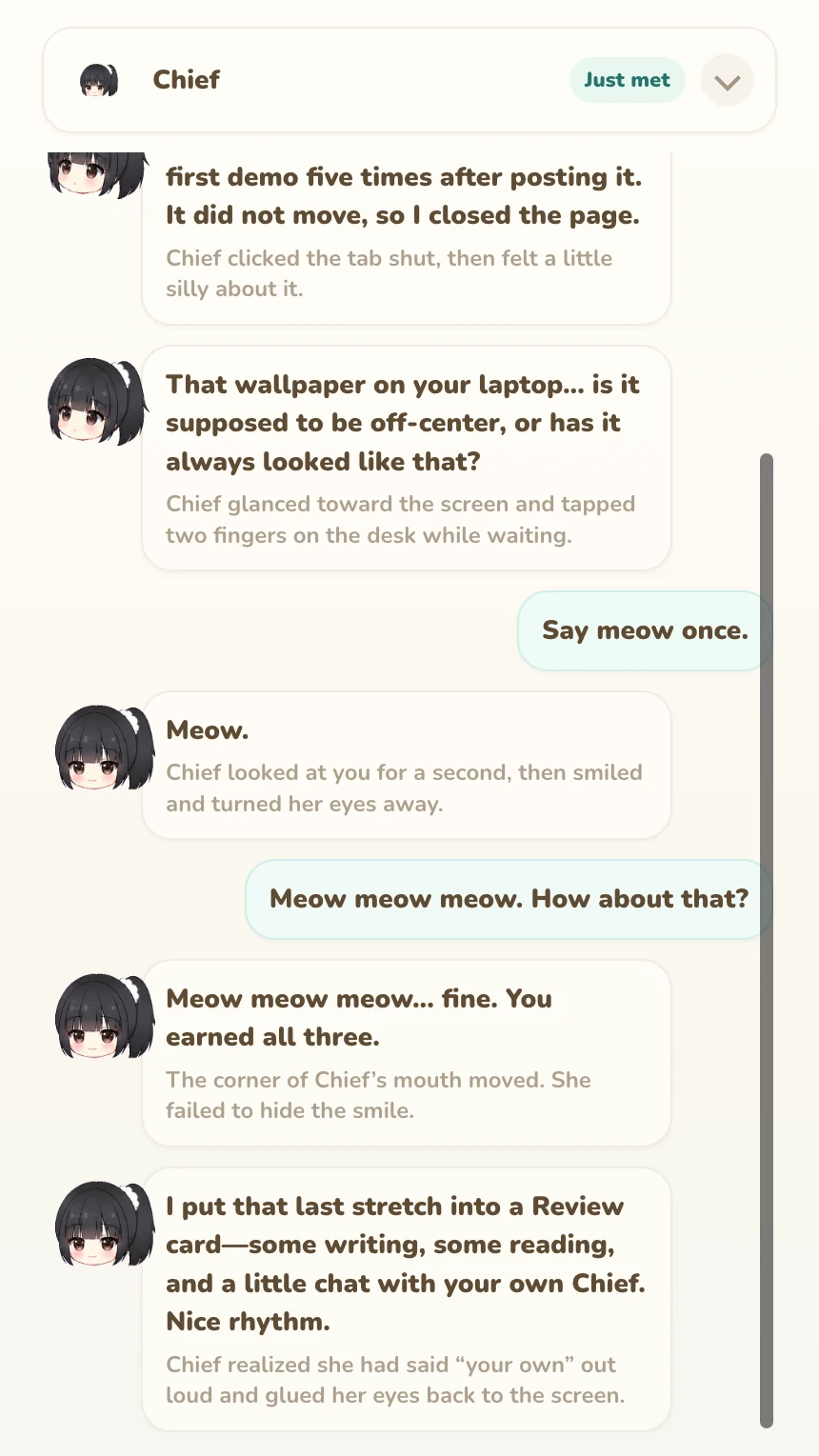
Wrote some copy, read a few things, talked to Chief. Not a bad afternoon.


relationship
Today, Chief is pretending not to notice you.
1 of 4, cool and teasing

Codex / Claude Code
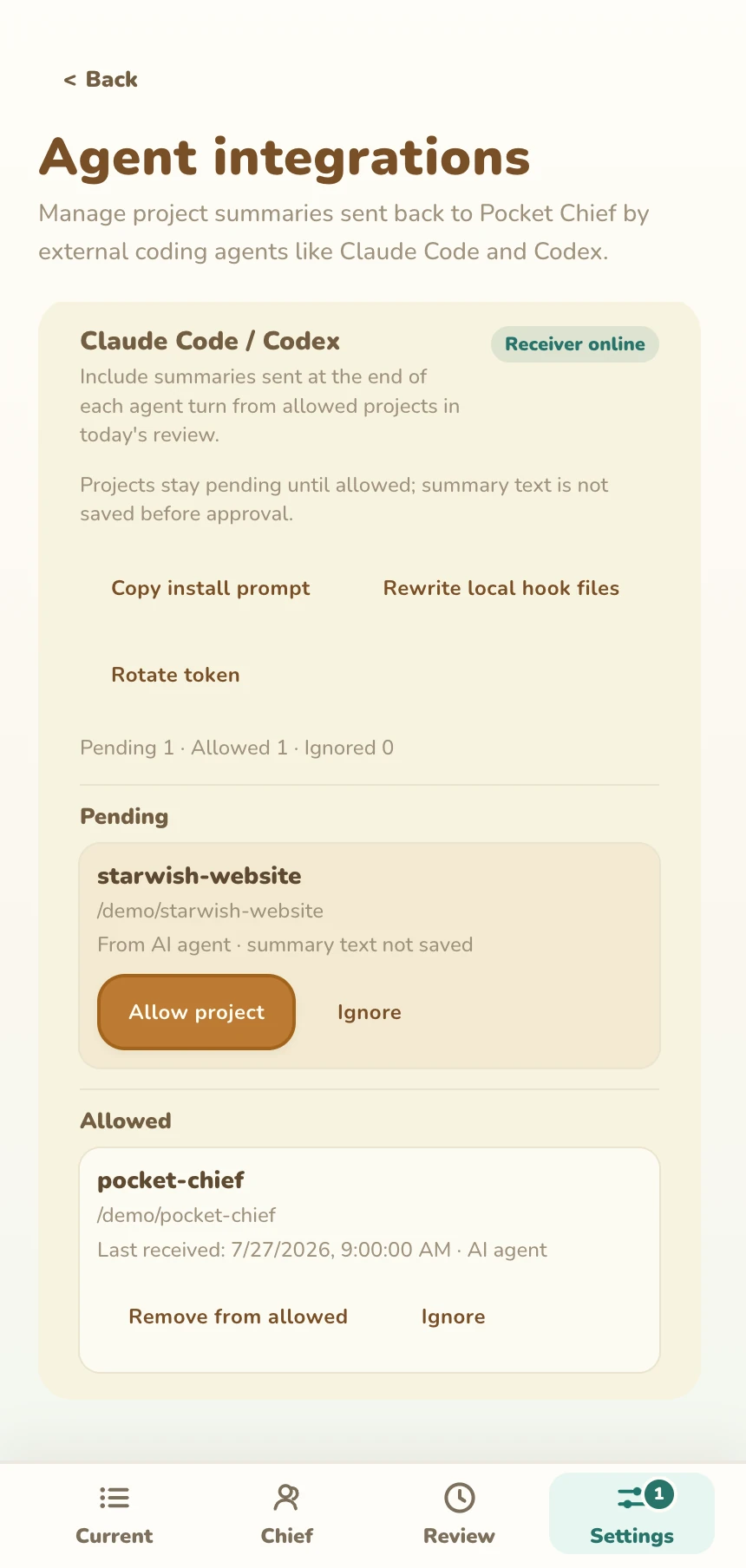
Allow a project to send work summaries when an agent turn ends. Summaries become local record clues. When the agent needs your input, an item can appear in the workbench so you can return to it.
See setup instructions
pricing
Pocket Chief is free to download. Finish move-in for a one-time grant of 3,000 Starter Cookies, then use Cloud for chat and organizing records.
Steam uses Pocket Chief Cloud with your Steam account. The Direct download also lets you use your own API key or a local model. Accounts, purchases, and Cookies stay separate between the two editions.
privacy and control
Move-in explains screen-text processing. macOS asks for consent and screen permission; Windows checks local screen reading. The app reads and cleans text on this computer. Raw screenshots stay here and are not saved by default.

download
Available on Steam and as a Direct download. Both support Apple Silicon Mac and Windows x64; the Direct Windows installer is an unsigned public beta.